
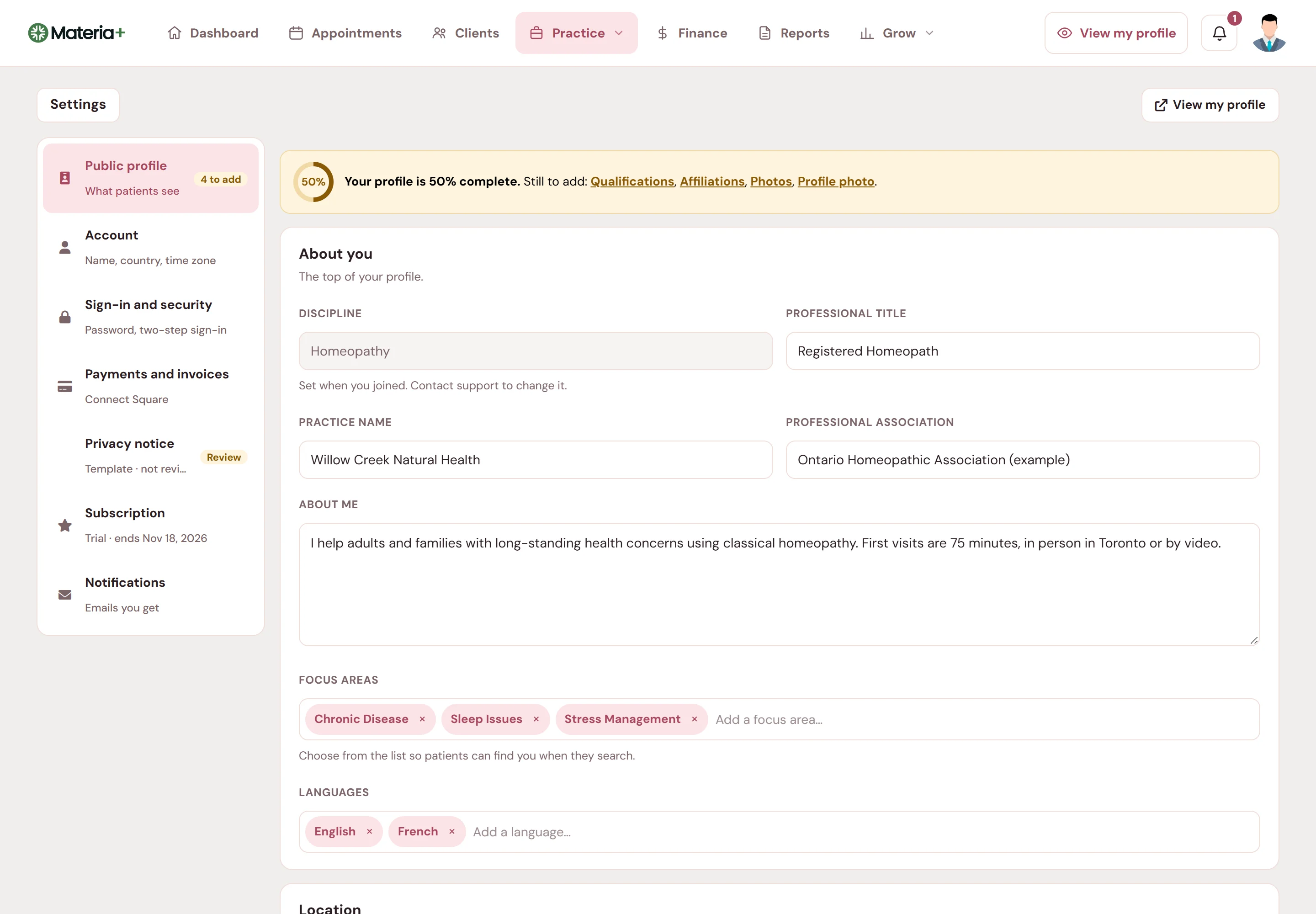
Open Practice → Settings, or Account settings from the menu under your photo. Settings has seven sections, listed on the left. A small label next to a section tells you if something needs your attention.
The sections
- Public profile: what patients see. See Editing your public profile.
- Account: your name, photo, phone, country and time zone. These are private. Your country sets your currency. To change the email you sign in with, contact support.
- Sign-in and security: your password and two-step sign-in. See Security and two-step sign-in.
- Payments and invoices: connect Square or Stripe, sales tax, and your invoice header and footer.
- Privacy notice: see Your privacy notice.
- Subscription: your plan, video minutes and card. See Your plan and billing.
- Notifications: see Notifications.
Sales tax
Your prices always include tax. Under Payments and invoices → Sales tax, say whether you charge it. If you do, add its name, rate and your tax number, and Materia+ shows it on your invoices and in your reports.
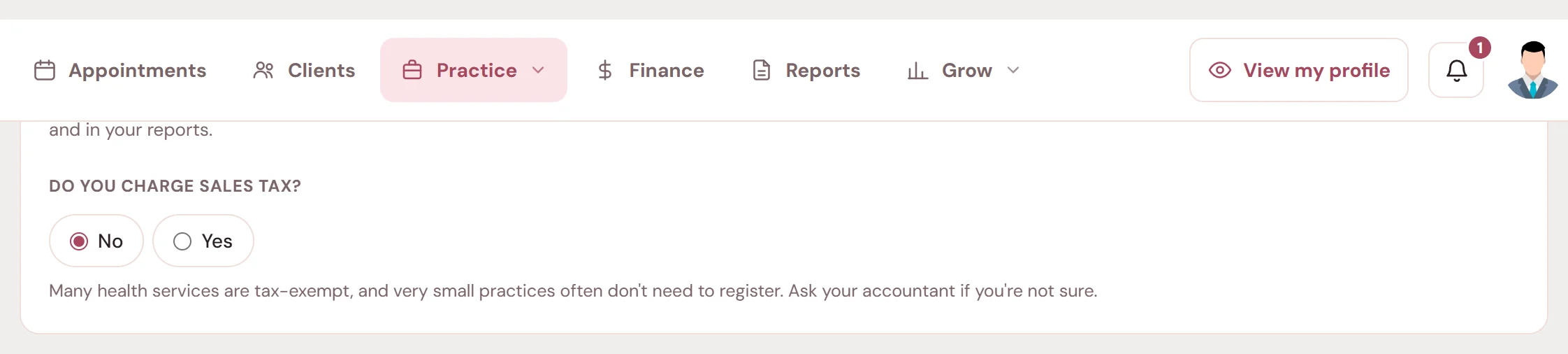
Many health services are tax-exempt, and very small practices often don't need to register. Ask your accountant if you're not sure.
Saving
Each section saves on its own: make your changes, then press save before moving to another section.