
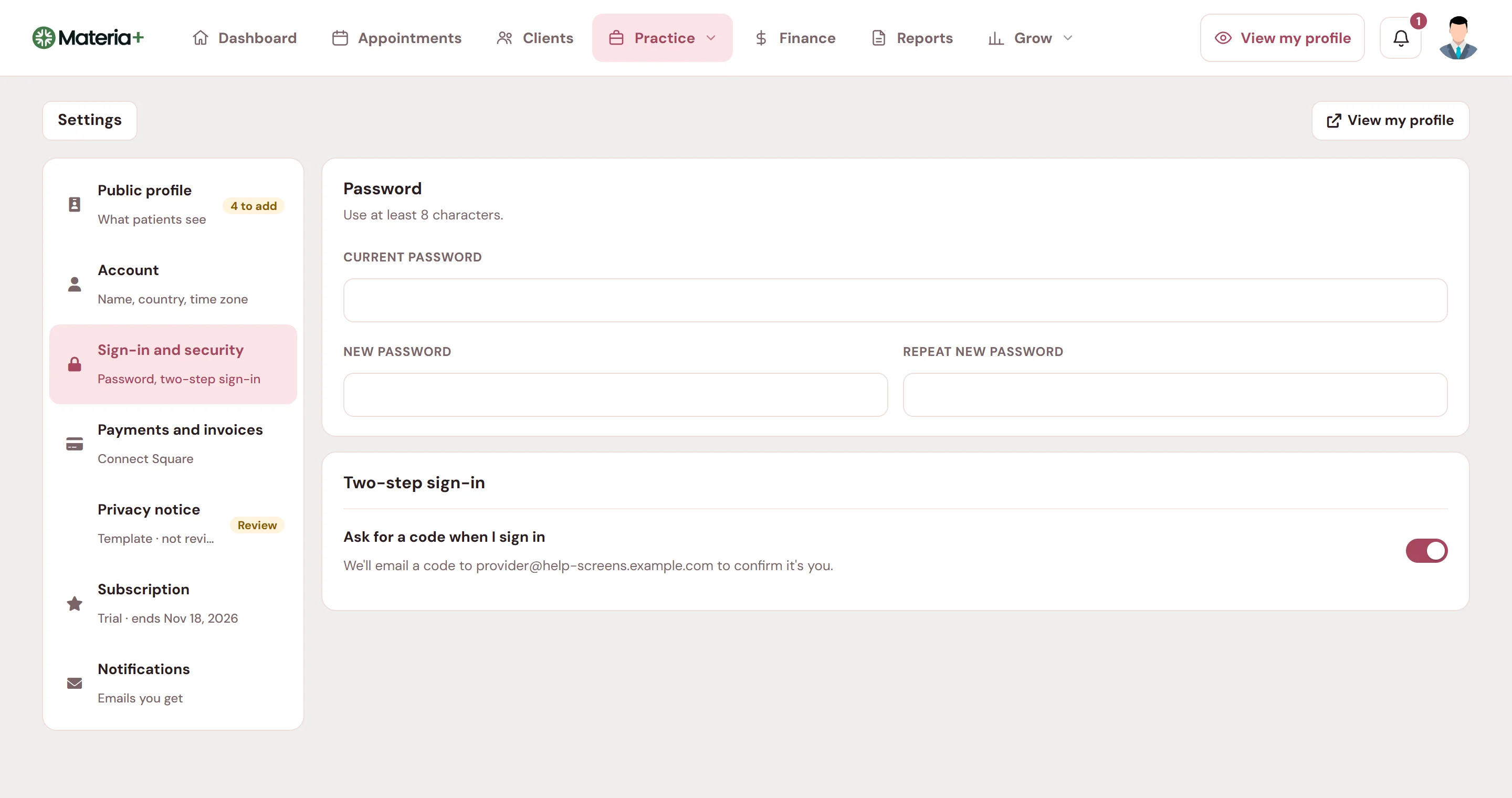
Your account holds your patients' health information, so keep it secure. Open Settings → Sign-in and security.
Change your password
Enter your current password, then your new one twice. Use at least 8 characters. A longer password, or a phrase only you'd know, is safer.
Two-step sign-in
With Ask for a code when I sign in on, we email you a code each time you sign in, to confirm it's you. Even if someone learns your password, they can't get in without your email.
We strongly recommend keeping it on.
Forgot your password?
On the Sign in page, press Forgot password? and we'll email you a link to choose a new one.
Keep your account safe
- Don't share your sign-in, even with staff.
- Sign out on shared computers.
- Materia+ will never ask for your password by email or phone.
Think someone else has signed in? Change your password and contact us.