
The bell
The bell at the top of every page shows what's new: new bookings and payments, cancel requests, invitations accepted, badges, milestones and your plan. Press a notification to go straight to it. View all opens the full list, where you can mark everything as read.
Notifications are kept for 90 days.
Emails
Open Settings → Notifications to choose which emails you get.
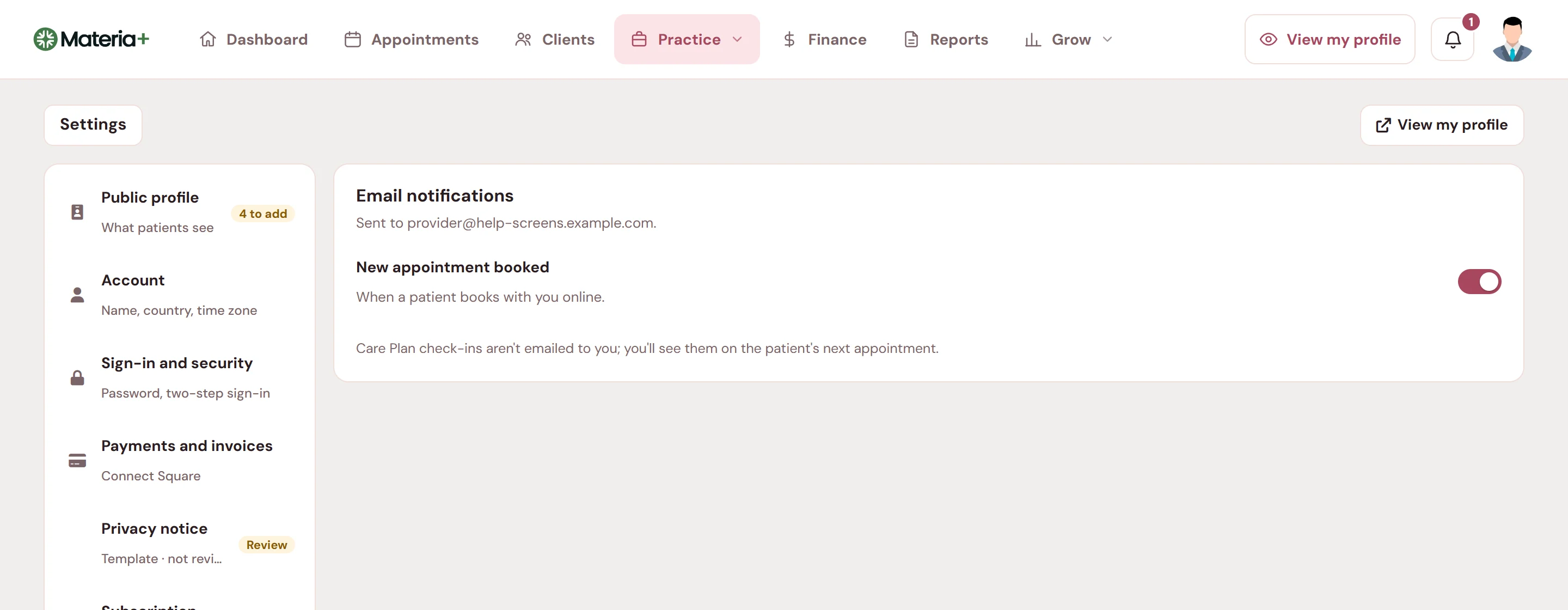
- New appointment booked: an email each time a patient books with you online.
What we don't send
- Check-ins aren't emailed to you. You'll see them on the patient's care plan and before their next appointment.
- Patient experiences don't trigger a notification each time. You get one anonymous weekly summary instead, so an experience can't be matched to a particular visit.