
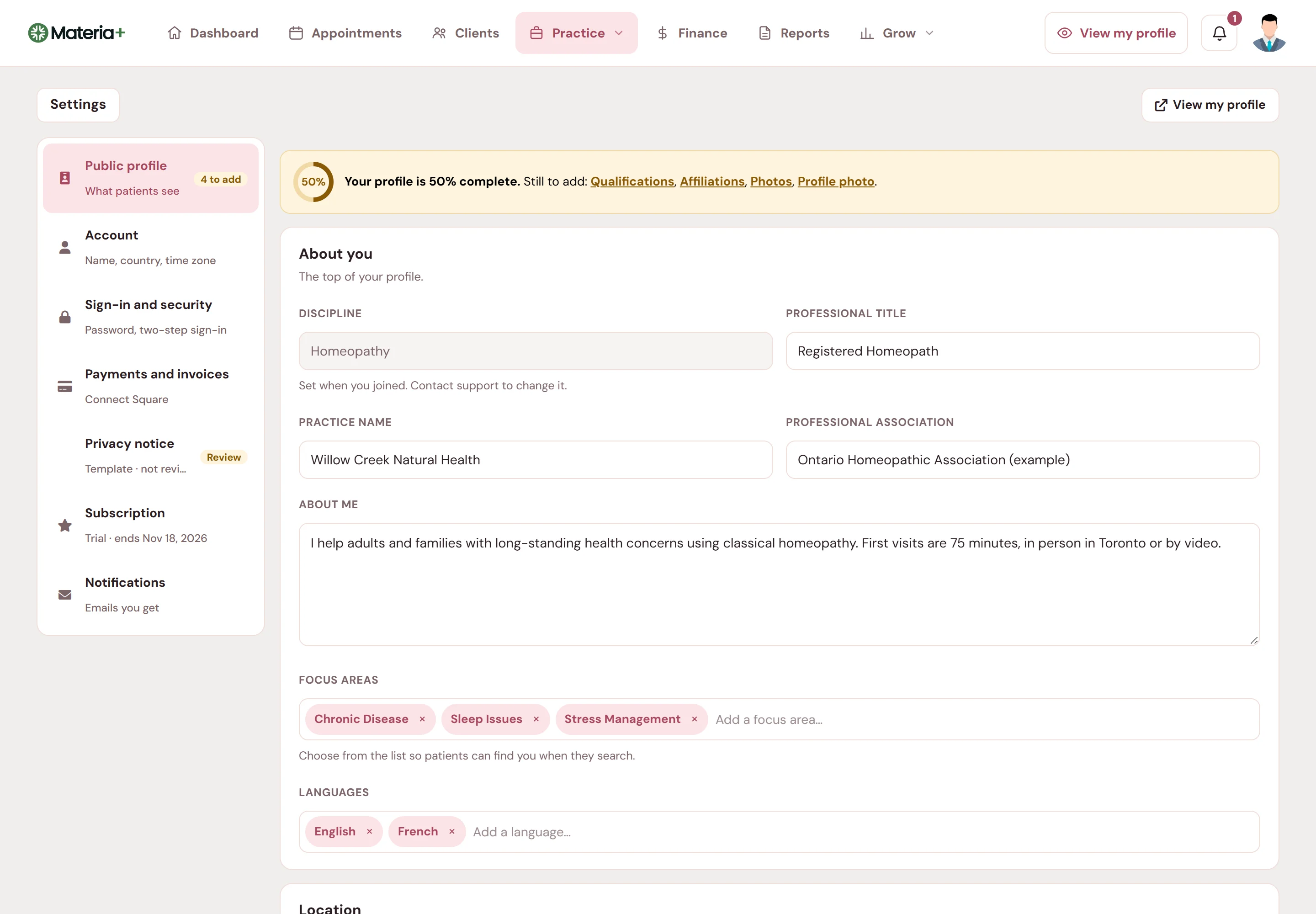
Your public profile is what patients see before they book. Edit it in Settings → Public profile. Press View my profile at the top any time to see it as patients do.
What's on it
- About you: your professional title, practice name, professional association, a few lines about you, your focus areas and languages. Your discipline is set when you join; contact us to change it.
- Location: where you see patients. See In person, online or both.
- Contact on your profile: see Showing your phone and email.
- Credentials: qualifications, certificates, registration number and affiliations, shown under your name so patients can trust your training.
- Photos: up to 8. Drag to reorder; the first is your cover photo.
- Hours of Operation: for display only. When patients can actually book is set in Availability.
- Broadcast message: a short note (up to 200 characters) shown on your profile and to your patients, such as holiday closures.
- Show patient reviews on my profile: on or off. Patients can leave experiences either way.
Your profile photo is under Settings → Account.
Tips for a profile that gets booked
- Use a clear, friendly photo of yourself.
- Say who you help and what a first visit is like, in plain words.
- Choose focus areas from the list, so patients find you when they search.
- Add your services and open some times: your profile shows your next available appointments.