
Materia+ sends a form automatically when someone books one of the services you choose. It doesn't look at a patient's health or answers to decide; it follows the settings below.
Which services send it
In the form, under Sending, tick the services that should send it when someone books them. For example, tick Initial Consultation for a New patient intake.
Leave every service unticked to send the form only yourself, from a client's chart.
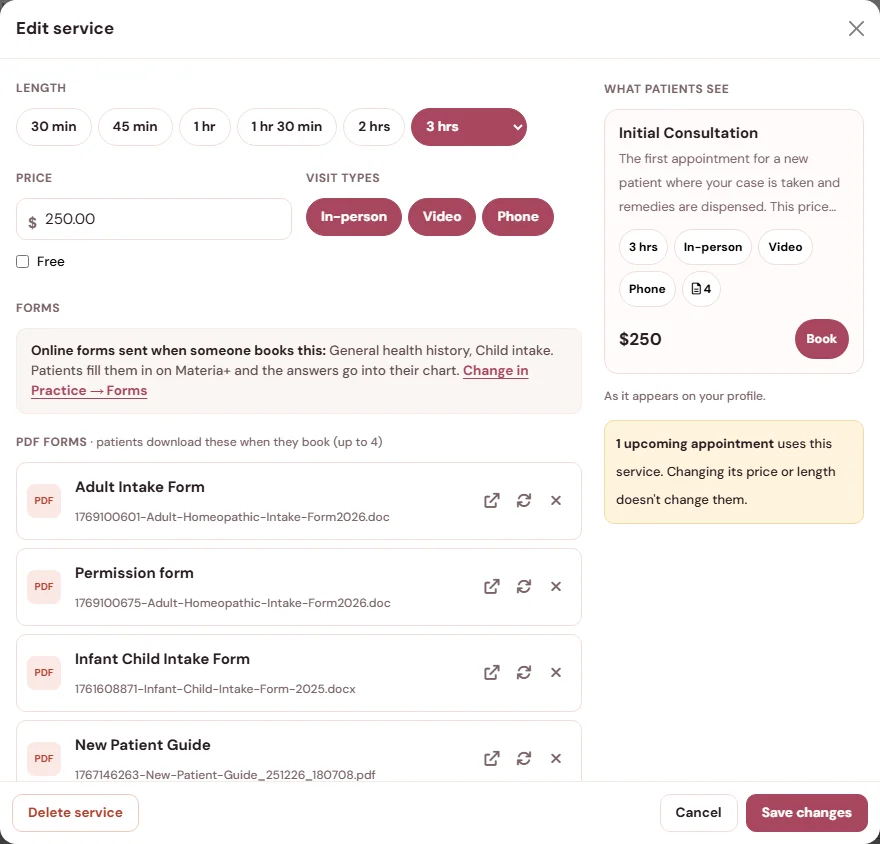
You'll also see this in Practice → Services: open a service, and its Forms section shows the online forms it sends.
How often
- Once per patient: a patient gets it the first time they book one of those services. If they already have it waiting, or have sent it back, it isn't sent again.
- Before every visit: each booking gets its own copy, so each visit has its own answers. Good for a short "Since your last visit" check.
Send to
- Everyone
- Only bookings for a dependent, such as a child: when a parent books for their child. The parent fills it in, and it's marked as about the child.
- Only bookings for themselves: never for a dependent.
The Child intake template starts on dependents only.
Skip patients who've already seen you
Tick this so only people coming to you for the first time get the form. It's useful when you add a form after you've been seeing patients for a while: your existing patients aren't asked to fill in a "new patient" form.
- A cancelled visit doesn't count as a visit.
- For a dependent, it's that dependent's first visit that counts, not their parent's.
How is this different from Once per patient? Once per patient only remembers that one form. This setting looks at whether the person has had a visit with you at all.
When nothing is sent
- The form is still a draft, or it's archived.
- The booking doesn't match the settings above.
Forms for a visit that's cancelled or over drop off the patient's Dashboard.
You can always send any published form yourself, from a client's chart. Sending it yourself ignores these settings. See Reading answers and sending forms.