
In Settings → Public profile → Location, choose how you see patients. You can switch any time.
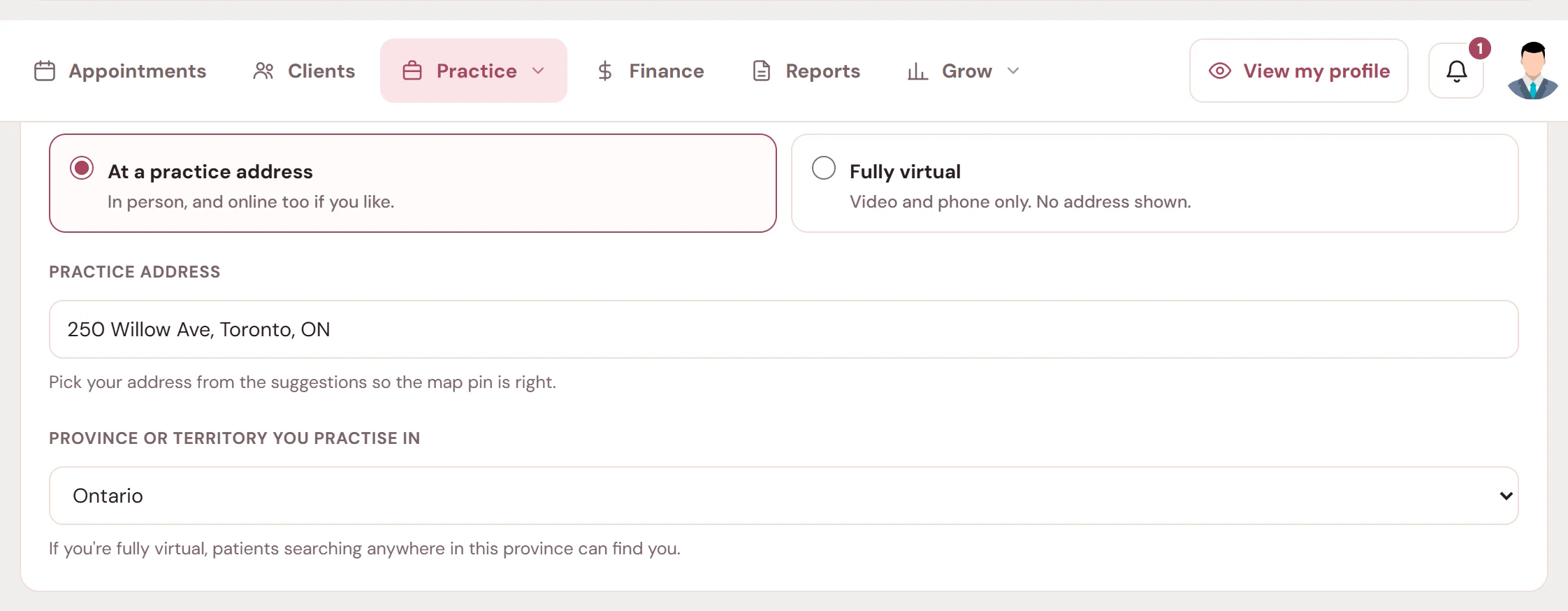
At a practice address
You see patients in person, and online too if you like. Your address is shown on your profile, with a map, and patients near you find you in search.
When you type your address, pick it from the suggestions so the map pin is in the right place.
Fully virtual
You see patients only by video and phone, and no address is shown. Your profile says you have an online practice, and patients searching anywhere in your province or state can find you.
Switching to fully virtual takes "In person" off your services, since patients can't visit you.
Your province or state
Choose where you practise. It decides where online patients can find you, and which privacy rules and agreements apply to you.
Each service also says how it happens: in person, video, phone or a mix. See Creating and editing services.