
Patients can always book you through Materia+. You can also choose to show a phone number or email on your profile.
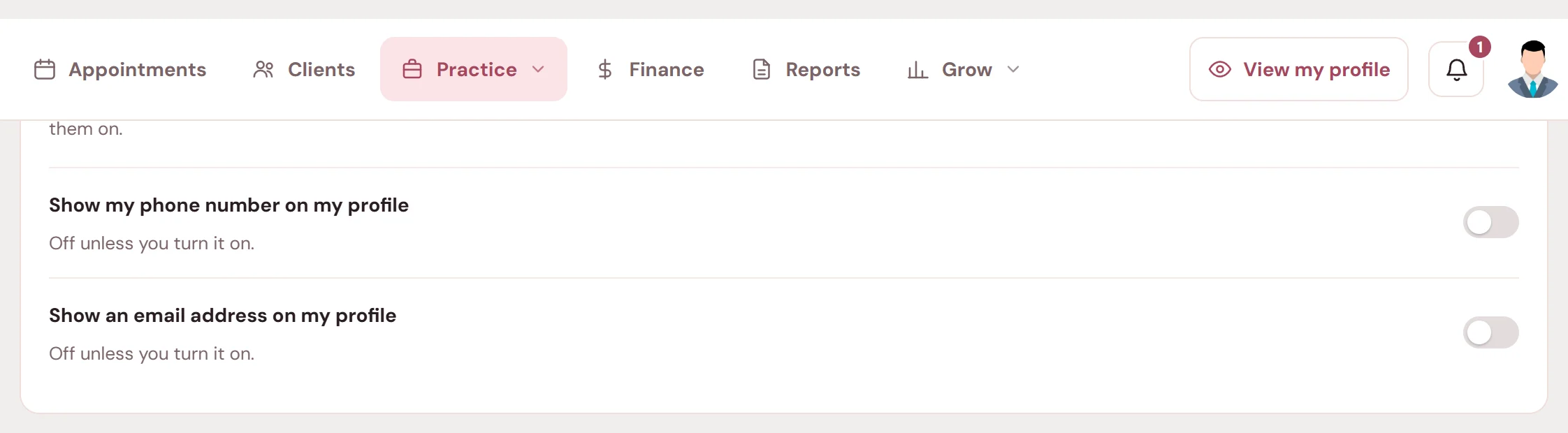
Turn them on
- Open Settings → Public profile → Contact on your profile.
- Turn on Show my phone number on my profile or Show an email address on my profile.
- Enter the number or address you want patients to see. It can be different from the one you sign in with.
- Save.
Should I?
It's up to you. Some patients like to ask a question before booking. Others will simply book. If you'd rather keep things in one place, leave them off: patients book through your profile, and your appointment emails reach them.