
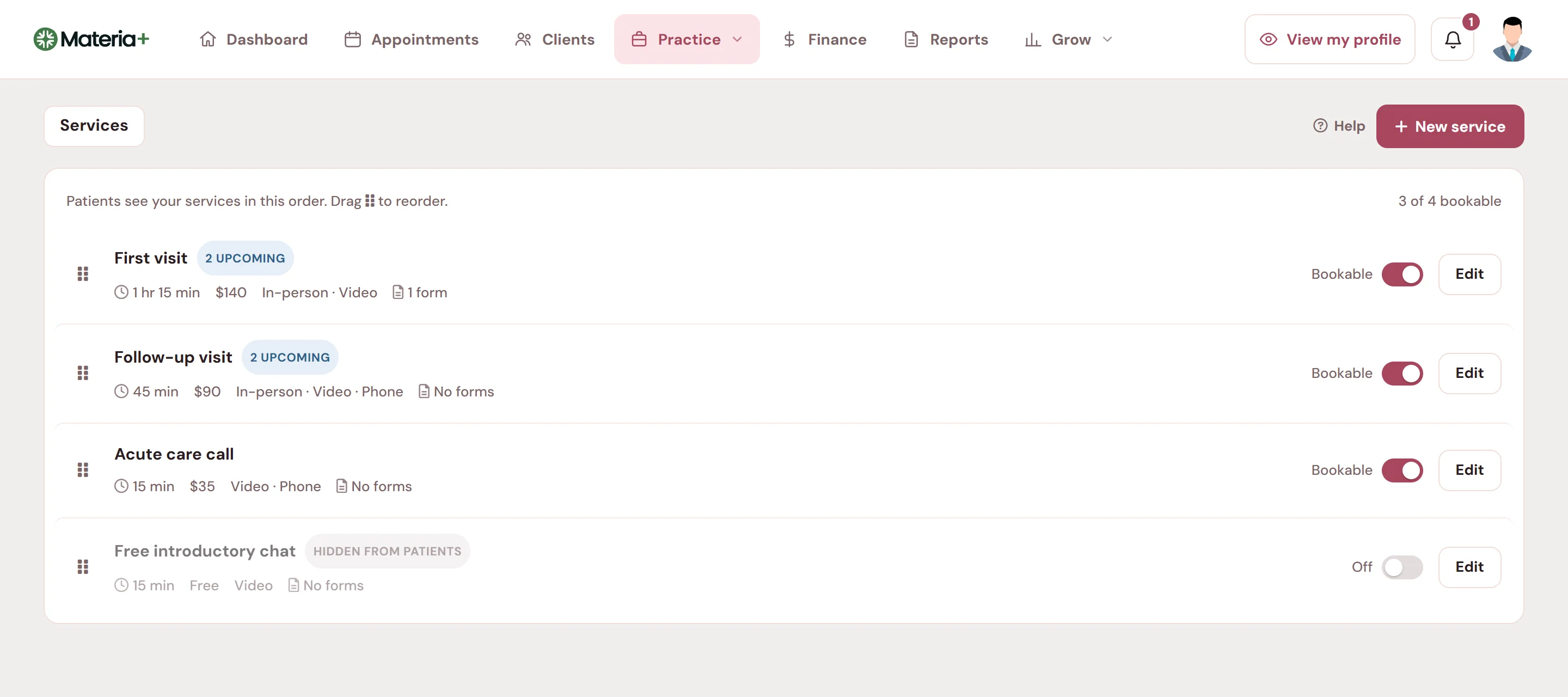
Your services are what patients book: a first visit, a follow-up, a short call. Open Practice → Services.
Add a service
- Press New service.
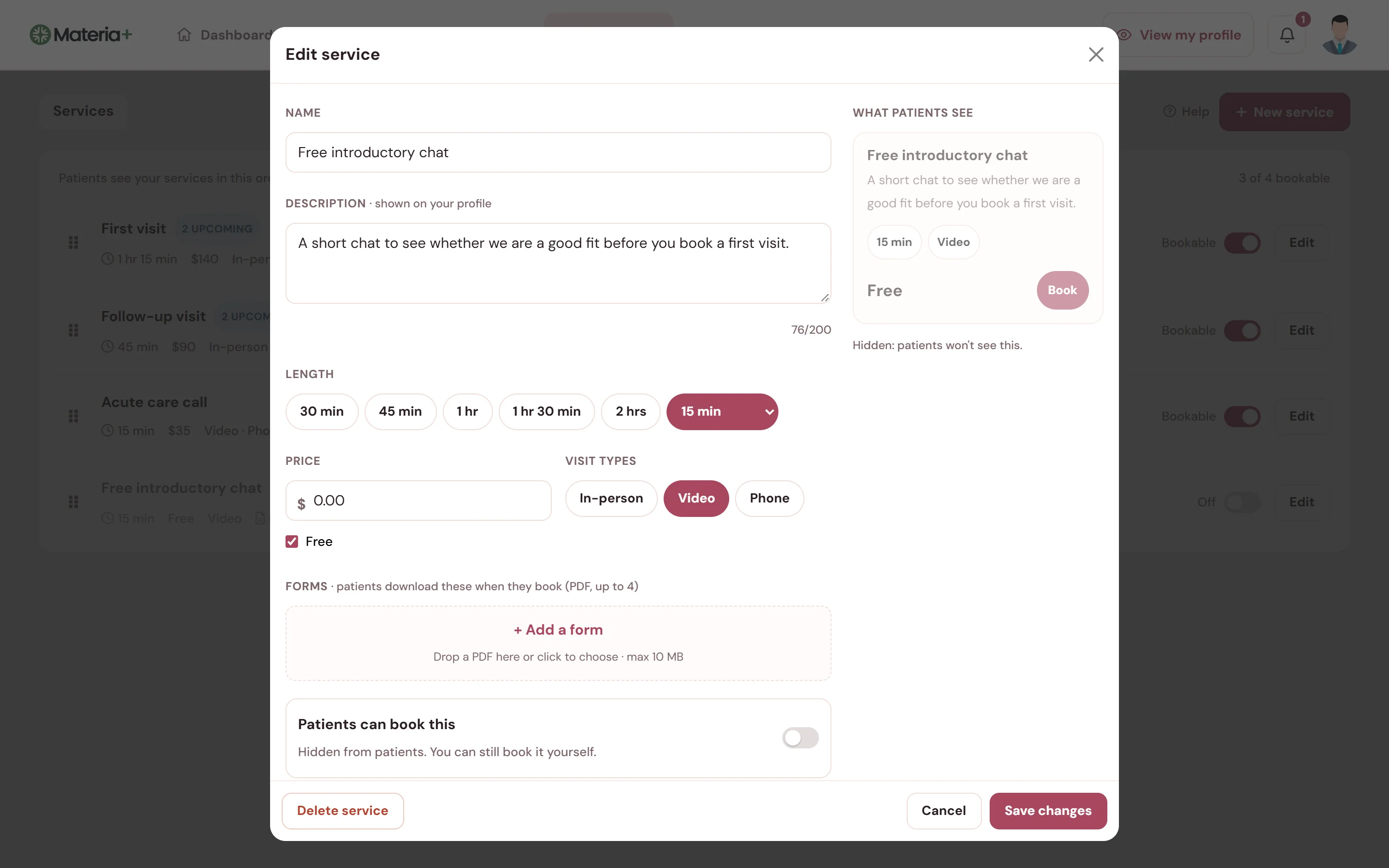
- Fill in:
- Name and a short description (up to 200 characters), shown on your profile.
- Length, in 15-minute steps, up to 4 hours.
- Price, or tick Free.
- Visit types: in-person, video, phone, or any mix. Patients choose when they book.
- Forms patients download when they book, if you have any. See Patient forms on a service.
- Leave Patients can book this on, or turn it off to keep the service for yourself.
- Press Save changes.
Turn a service off
Use the Bookable switch in the list. A service that's off is hidden from patients, but you can still book it for a patient yourself. Its upcoming appointments stay booked.
Edit or delete
Press Edit next to a service. Changes apply to new bookings. Delete service removes it from your list; past appointments and invoices keep it.
Prices include any sales tax you charge. See Your settings.