
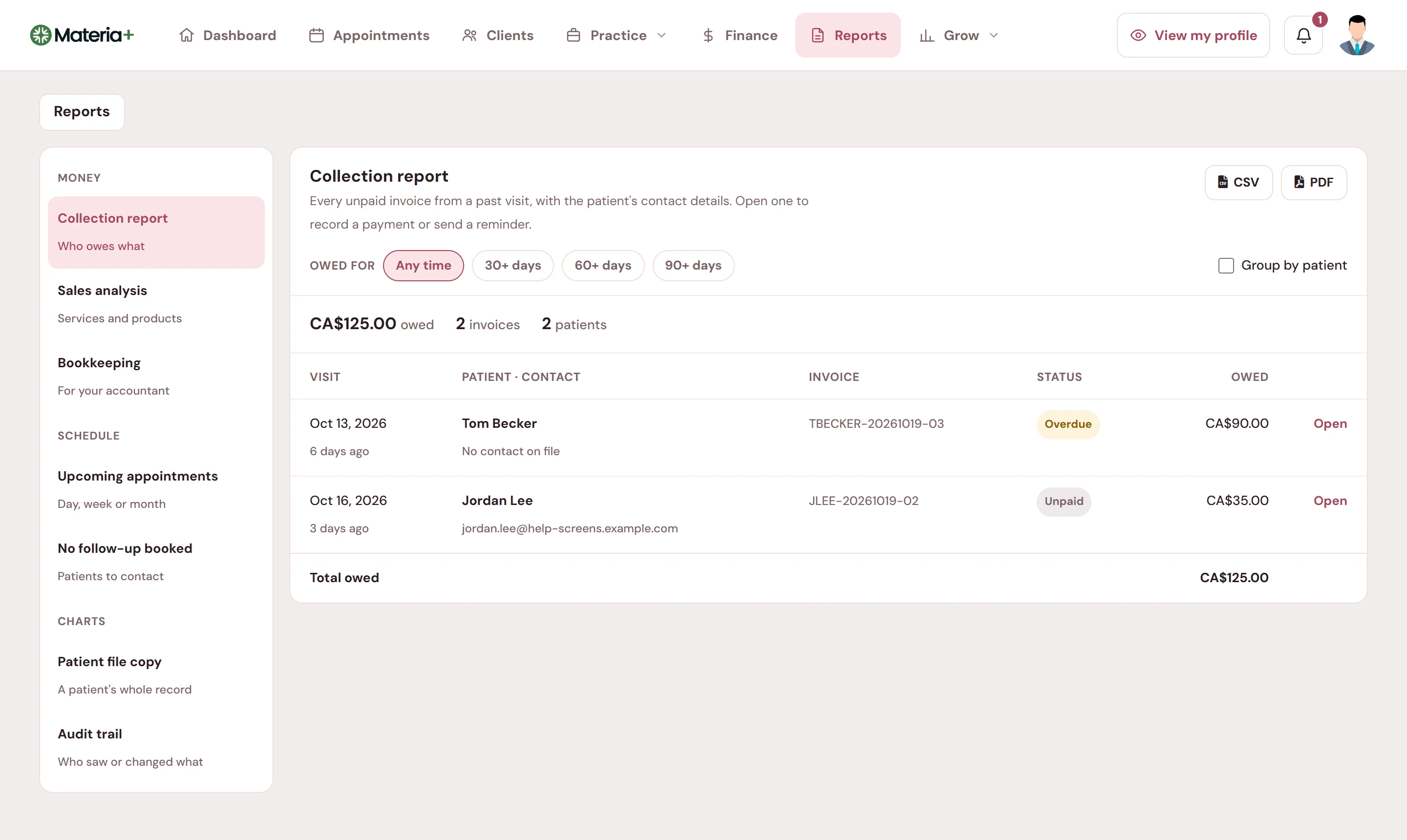
Reports turns your appointments and invoices into lists you can read on screen or download.
Money
- Collection report: every unpaid invoice from a past visit, with the patient's contact details. Filter by how long it's been owed, or group by patient.
- Sales analysis: what you've sold, by service and product.
- Bookkeeping: for your accountant, with tax columns and subtotals by payment method. Mark what you've already exported, so you don't count it twice.
Schedule
- Upcoming appointments by day, week or month.
- No follow-up booked: patients you've seen who haven't booked again, so you can get in touch.
Charts
- Patient file copy: one patient's whole record, for example when they ask for a copy.
- Audit trail: who saw or changed what in your patients' records, and when.
Downloading
Press CSV for a spreadsheet or PDF to print or send. Downloads use the same filters you see on screen.
Reports use your visit dates, and show each currency separately.