
Buffer time is a gap patients can't book straight after each of your appointments: time to write notes, reset the room or take a breath.
Set it
- Open Practice → Availability.
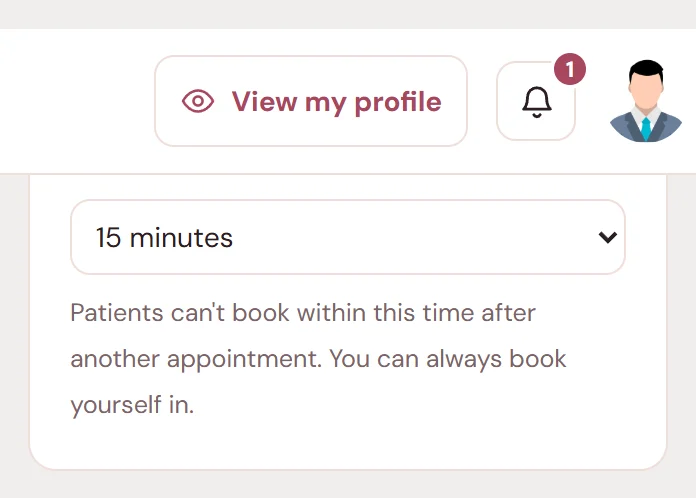
- Under Booking rules, choose a Buffer between bookings, from 15 minutes up to 3 hours.
How it works
- It applies only when patients book themselves online.
- When you book a patient yourself, or move an appointment, the buffer doesn't apply. You can book right up against another appointment, though never on top of one.
For example, with a 15-minute buffer and a visit ending at 10:45am, the next time a patient can book is 11:00am.