
Your Care Team is your list of saved providers, so you can find them again quickly.
Add a provider
Open the provider's profile and press Add to my Care Team at the top.
See your Care Team
Open the menu with your name and choose My Care Team. Your Dashboard shows your care team too.
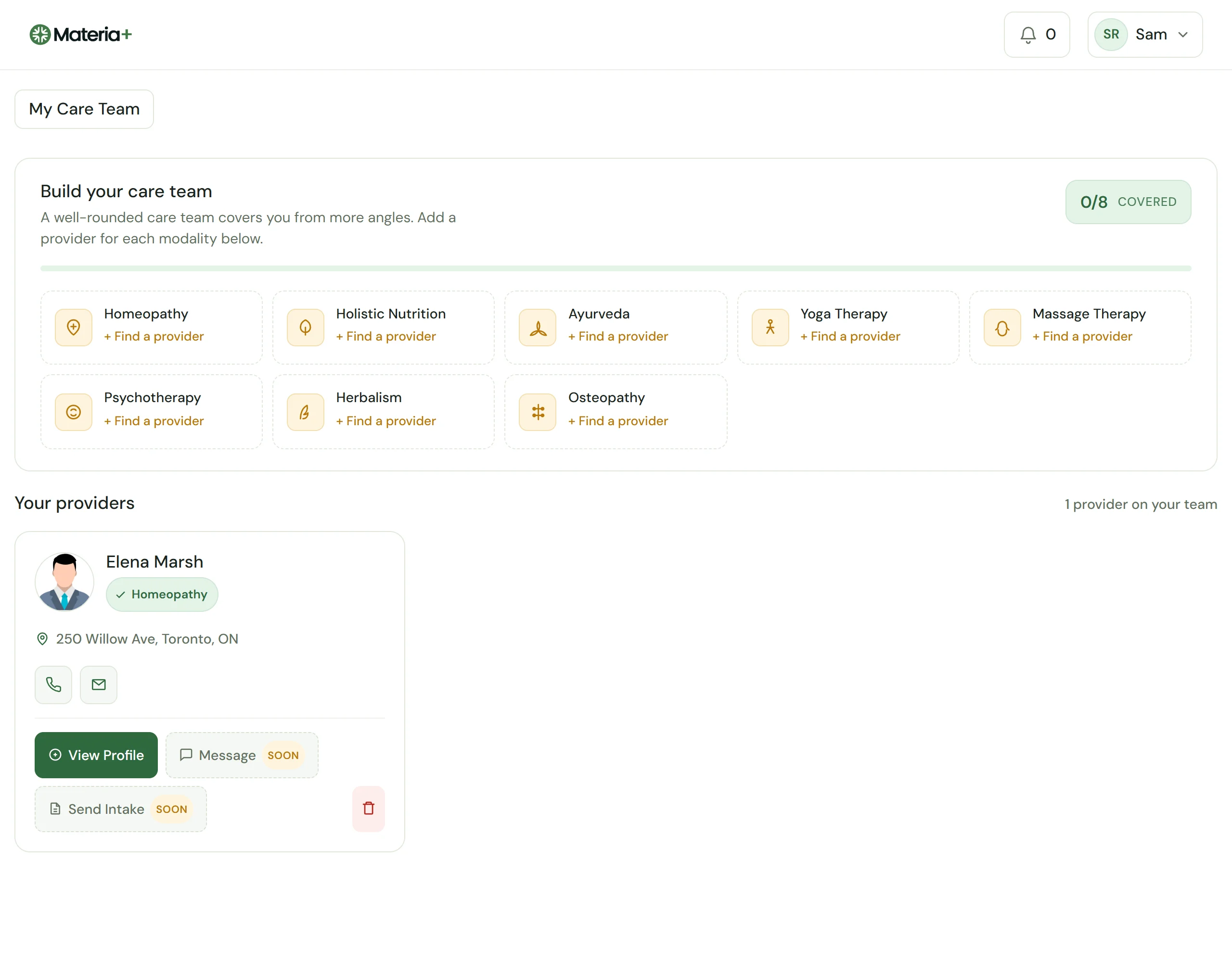
The page also lists the types of care on Materia+. A care team that covers more than one can look after you from more angles. Press Find a provider under any of them to search.