
Resources are guides and links you share with patients: handouts, a new-patient guide, a video or an article. They appear on your public profile, under Resources, in the order you choose.
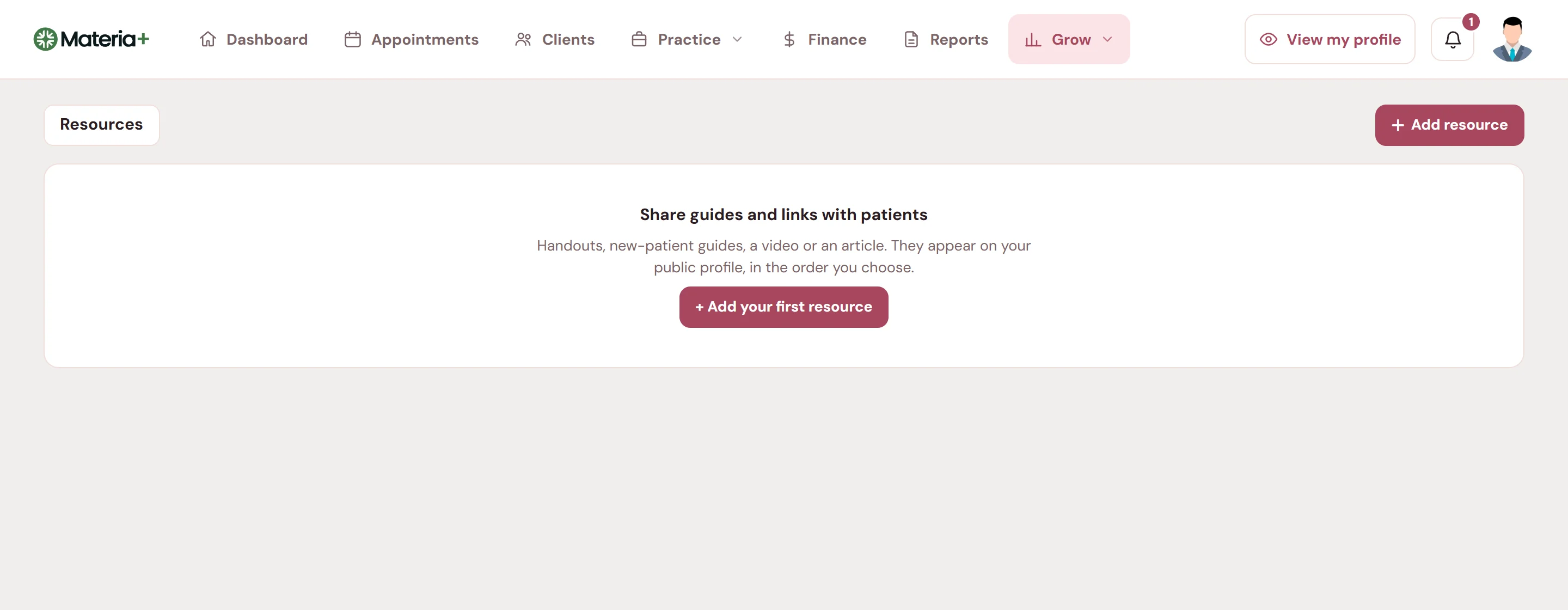
Add a resource
- Open Grow → Resources.
- Press Add resource.
- Choose a file (up to 10 MB) or a link.
- Give it a title and a short description (up to 300 characters). Add the author if it isn't you.
- Save.
Good resources
- What to expect at a first visit, and how to prepare.
- General guides you give every patient, such as how to take a remedy or do an exercise.
- Articles you've written. You can also publish them on Materia+ Read. See Readers to Clients.
Resources are public. Anything for one patient belongs in their care plan instead.