
Notes are your private clinical notes about a client. Clients never see them.
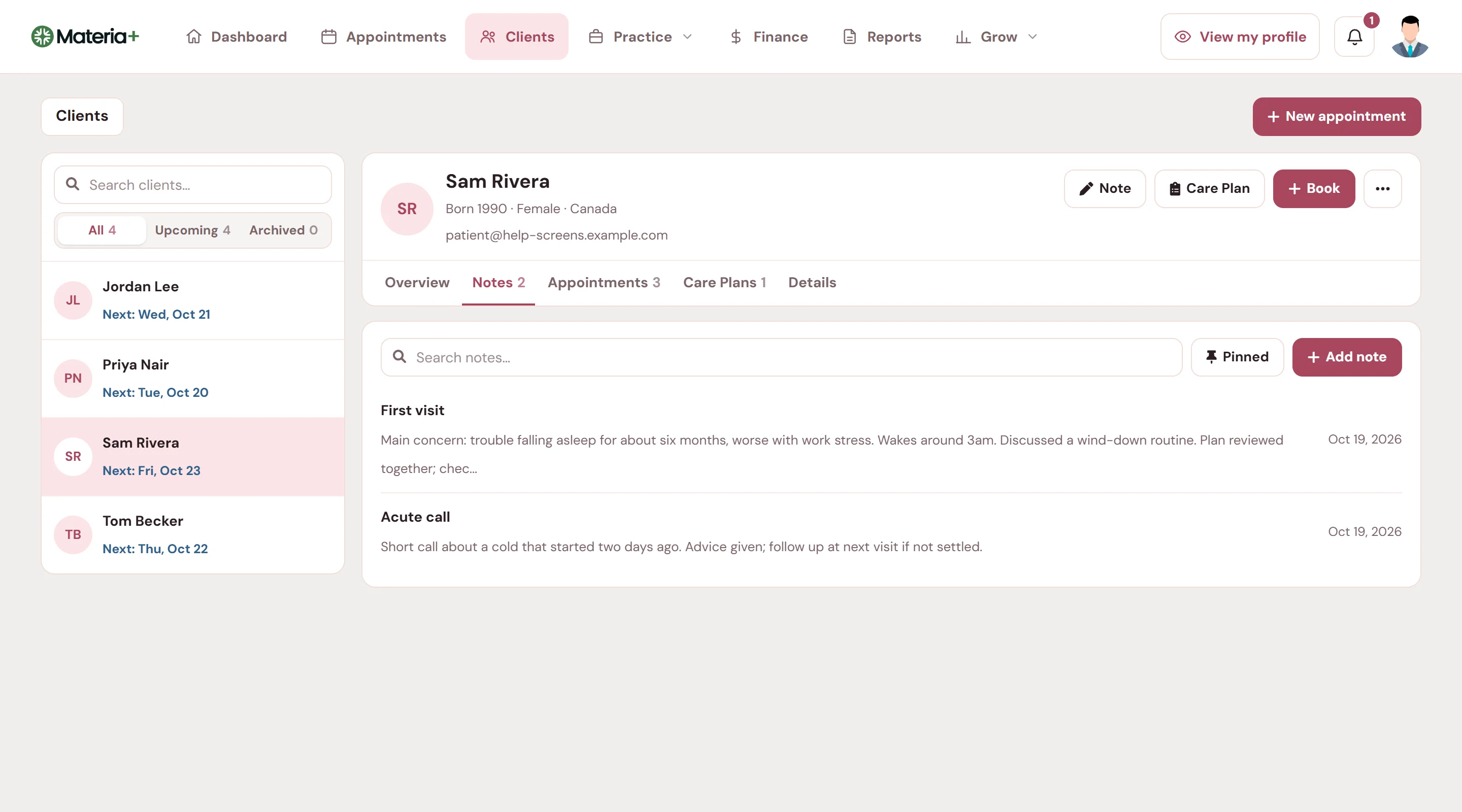
Add a note
- Open the client in Clients.
- Press Note at the top, or Add note on the Notes tab.
- Give it a title, write the note, and attach files if you need to.
- Save.
Find notes again
Search a client's notes, and pin the important ones so they stay at the top. Press Pinned to see only those.
Notes are kept
Health records have to be kept, so notes work like this:
- Every edit is saved as a new version. You can see a note's history.
- Late edits need a reason. If you change a note some time after writing it, we ask why.
- Remove from chart hides a note from the chart, but keeps it. You can restore it.
- Every view and change is recorded in your audit trail.