
Appointments shows every visit you've booked, coming up and past. Open it from the menu with your name.
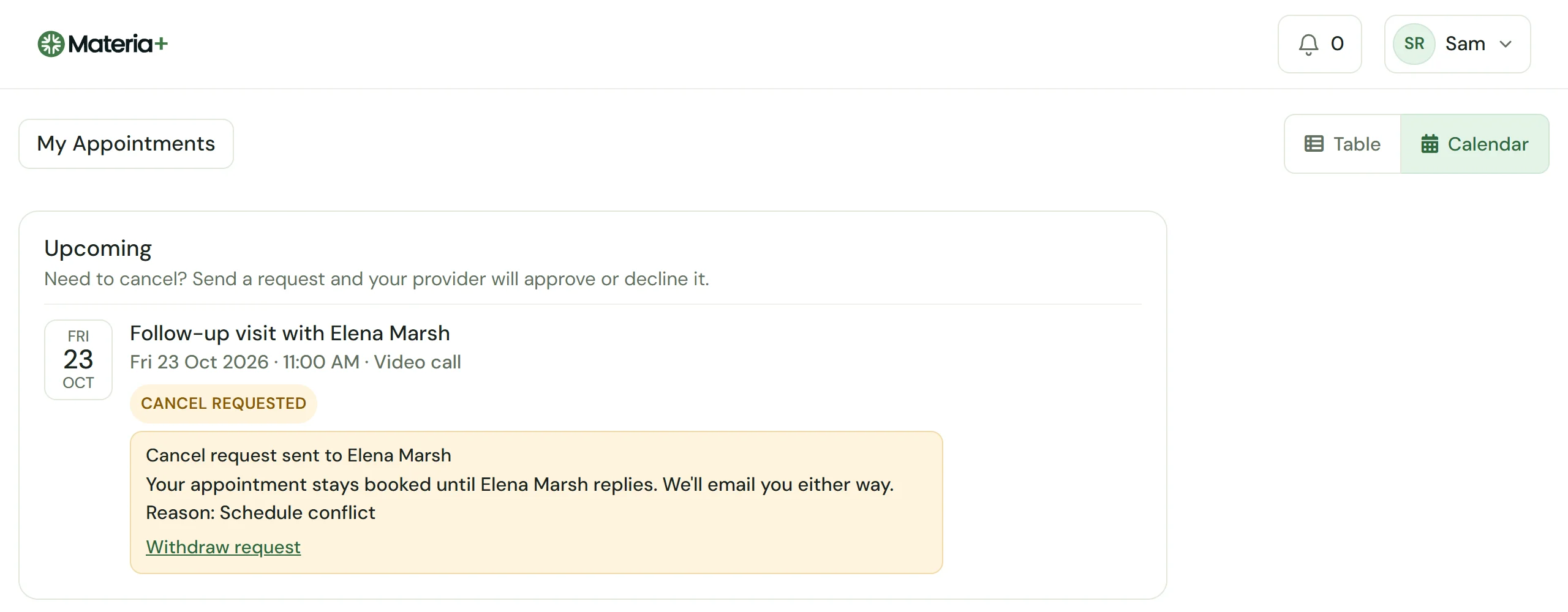
Calendar or table
Use Calendar to see your visits by month or week, or Table for a list you can look through. Press View next to a visit for its details and invoice.
Times and time zones
Appointment times are shown in your provider's time zone. If your own time zone is different, and it's saved on your account, you'll also see Your time under each visit, so you know when to be ready.
To change your time zone, open My Account.
Past visits
Past visits stay on the page, so you can find an invoice or receipt later. See Viewing and downloading invoices and receipts.