
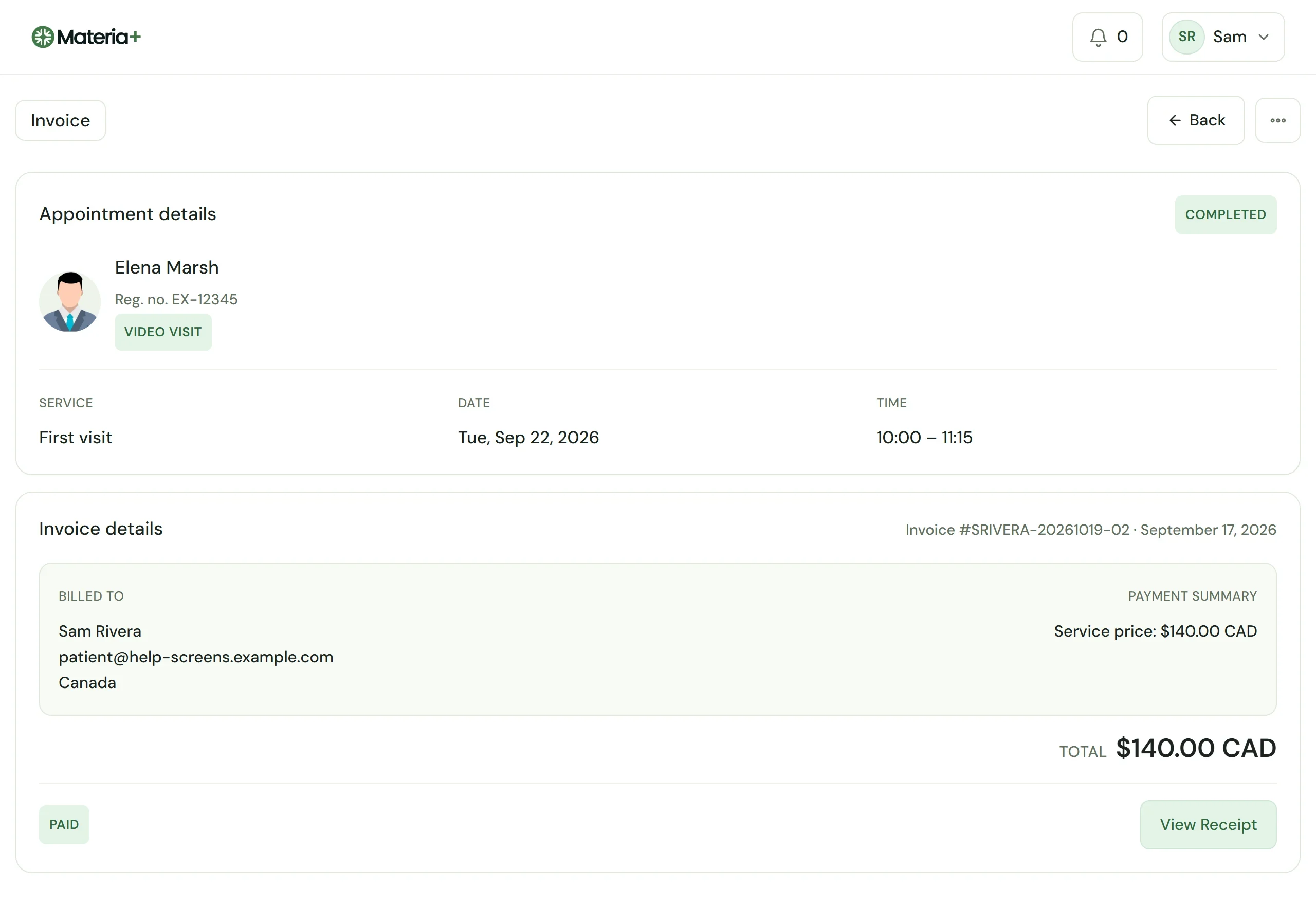
Every appointment has an invoice. Once it's paid, you can open the receipt, for your records or to send to your insurer.
Find an invoice
- Open Appointments.
- Press View next to the appointment, then View full invoice.
For your next appointment, the View details button on your Dashboard takes you straight to its invoice.
Get a receipt
Once the invoice is paid, press View Receipt. From there you can download it as a PDF.
What's on it
The invoice shows the service, the date, the price and any extra items or discounts, plus your provider's details. If your provider is registered with a college or association, their registration number is on it too, which insurers often ask for.
Something wrong on an invoice? Ask your provider. They can correct it.