
Signing in
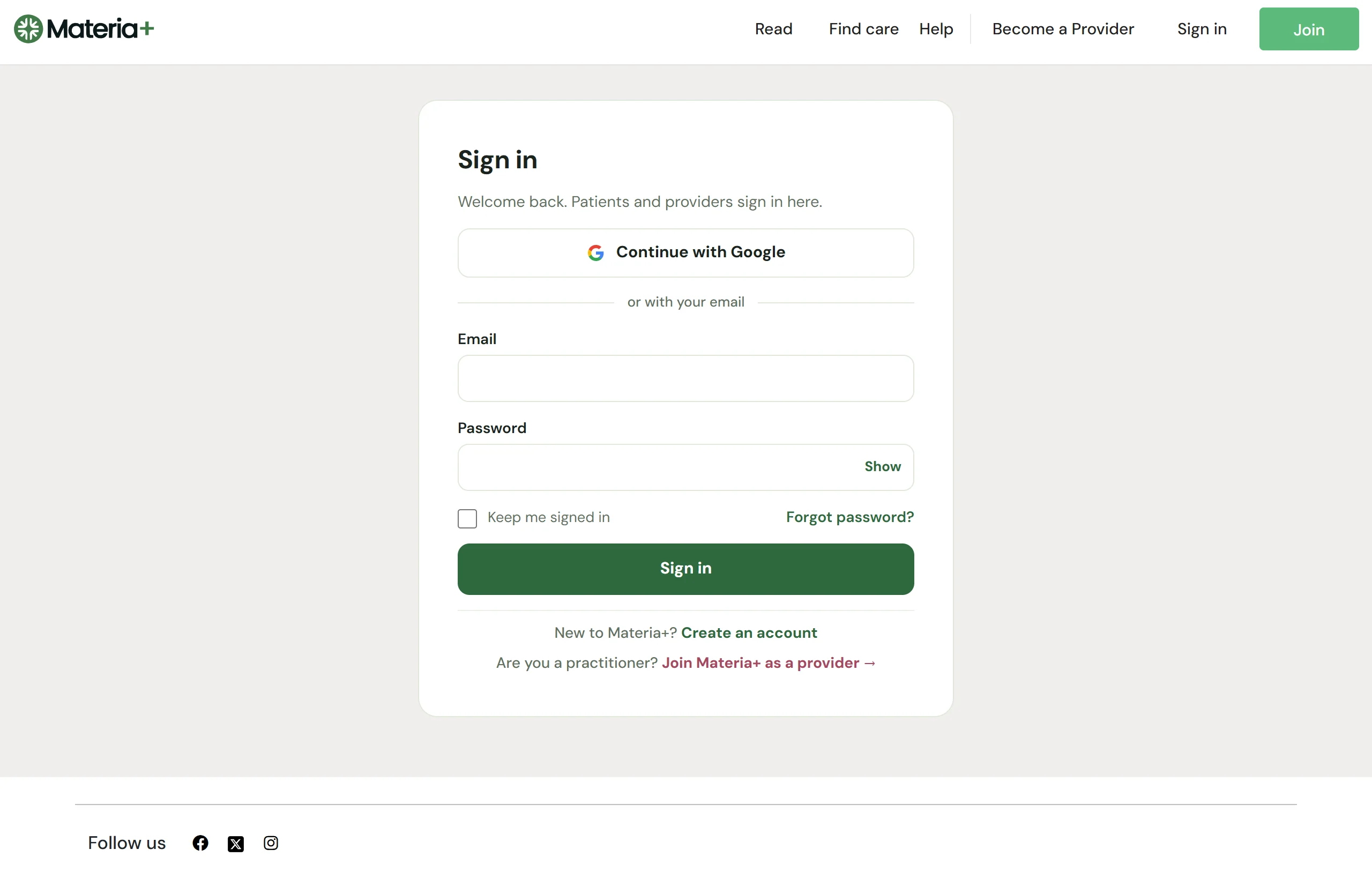
- Press Sign in at the top of any page.
- Press Continue with Google if you joined with Google. Otherwise, enter your email and password.
- Tick Keep me signed in if you're on your own device.
Patients and providers sign in on the same page.
Forgot your password?
- On the Sign in page, press Forgot password?
- Enter the email address you joined with.
- We email you a link. Open it and choose a new password.
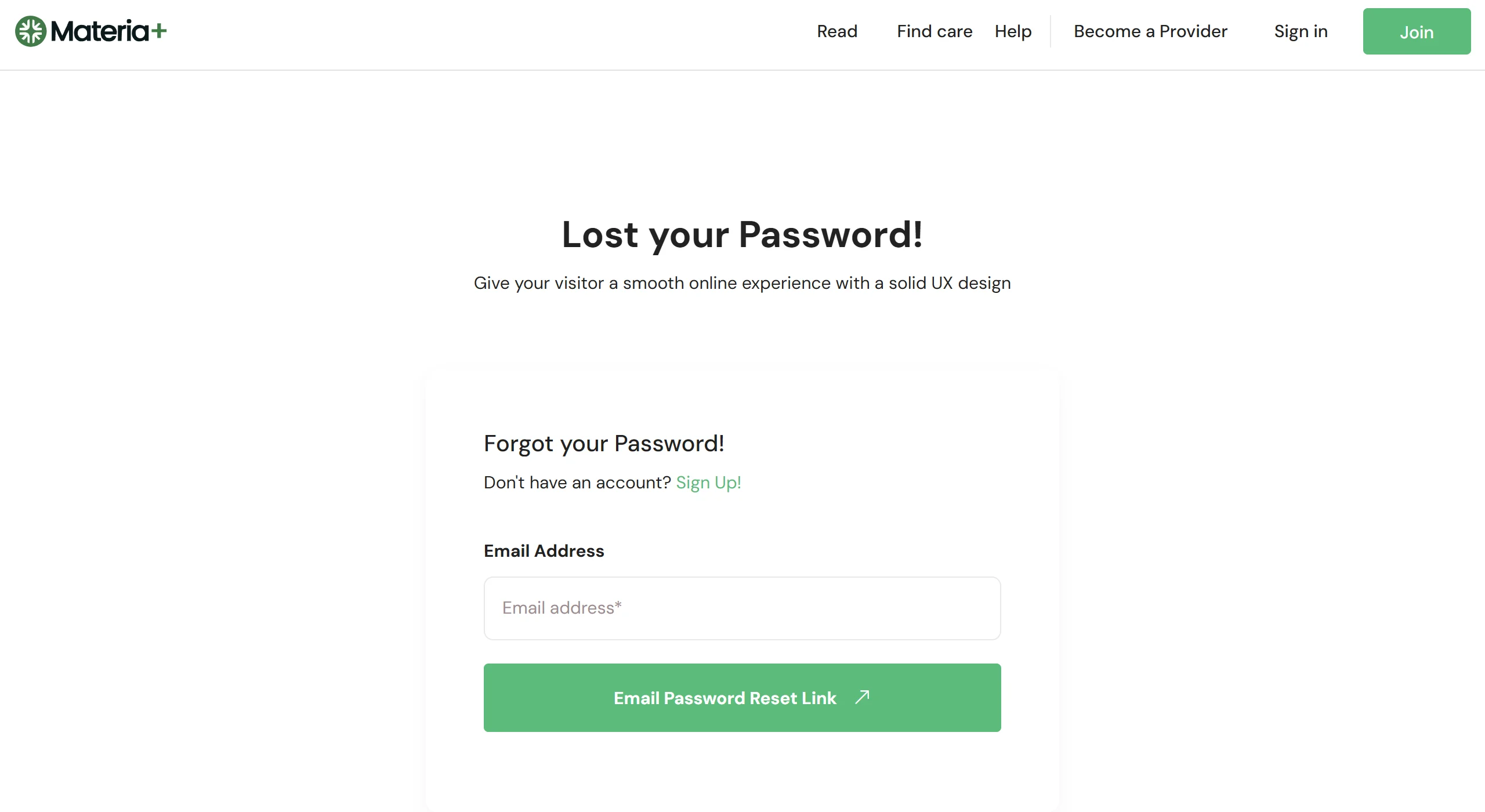
Didn't get the email? Check your spam or junk folder, and make sure you used the same email you joined with. If you joined with Google, sign in with Google instead.
Changing your password
When you're signed in, open the menu with your name and choose My Account, then the Security tab.
Can't get in?
If your account has been locked, or nothing above works, contact us and we'll help.