
You can create an account before you book, or while you book. It takes about a minute.
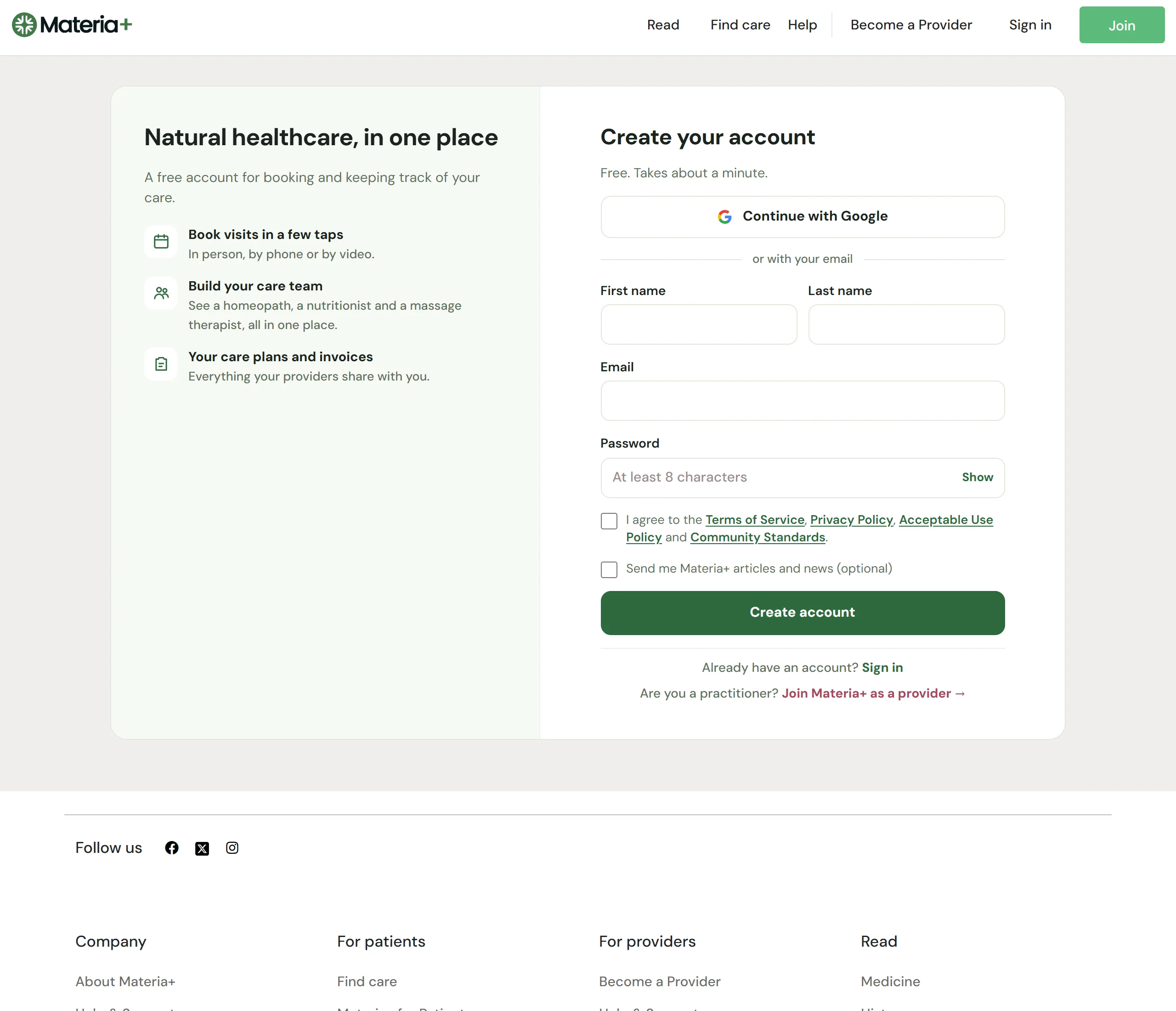
Create your account
- Press Join at the top of any page.
- Press Continue with Google, or enter your first name, last name, email and a password (at least 8 characters).
- Tick the box to agree to the Terms of Service, Privacy Policy, Acceptable Use Policy and Community Standards, then press Create account.
- We email you a code. Enter it to confirm your email address.
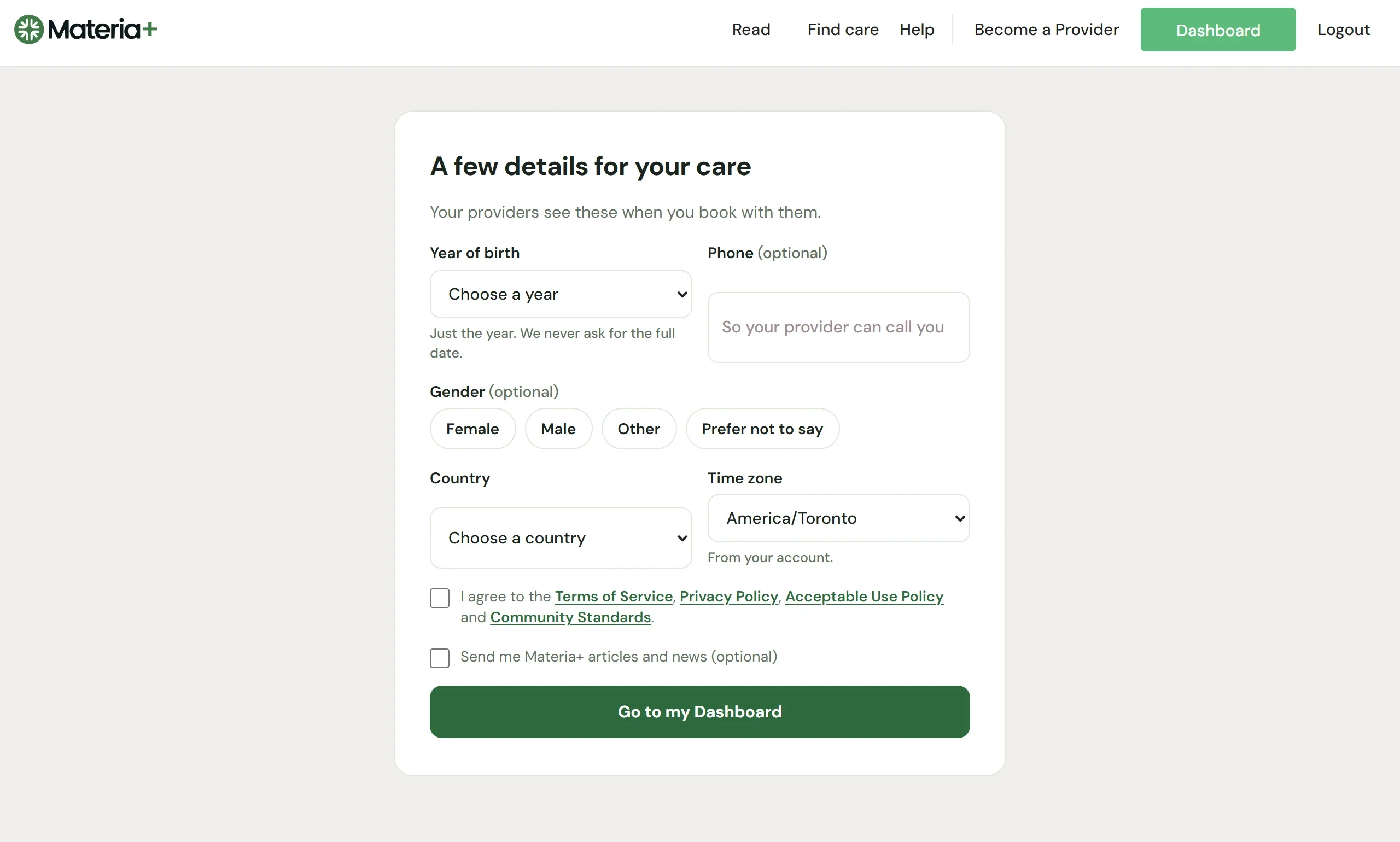
A few details for your care
Next, we ask for a few details your providers see when you book with them:
- Year of birth. Just the year. We never ask for your full date of birth.
- Country and time zone, so appointment times show correctly for you.
- Phone and gender, if you'd like to add them. Both are optional.
Booking without an account
If you start booking before you have an account, you create one in the last step of booking. Your appointment and your account are set up together. See Booking an appointment.
Are you a practitioner? Use Join Materia+ as a provider instead. Provider accounts are set up differently.