
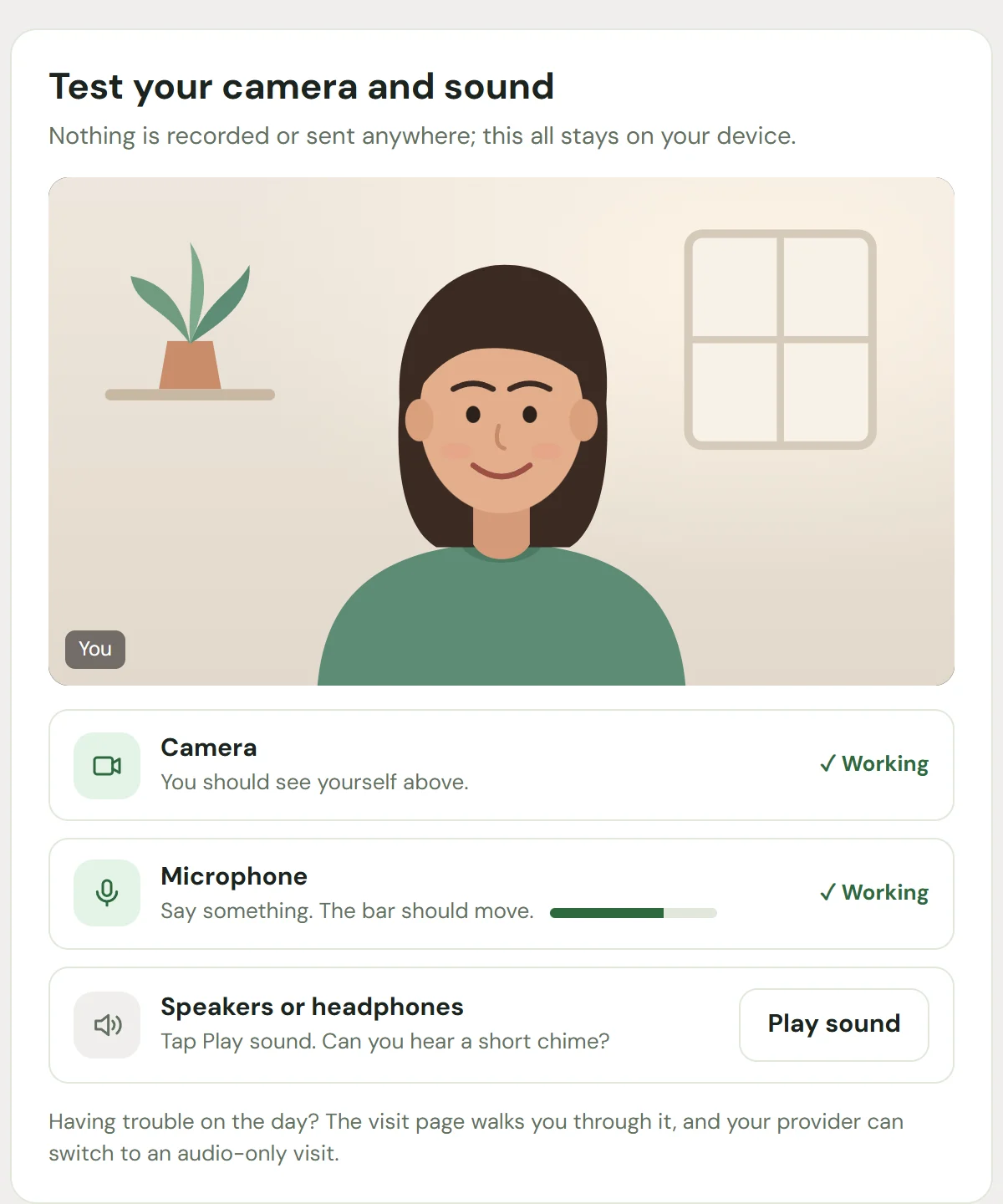
Before a video visit, check that your camera, microphone and speakers work. Nothing is recorded or sent anywhere: the test stays on your device.
Run the test
- Open Test your camera and sound. There's also a test your camera and sound link on your Dashboard, under your next appointment.
- Allow your camera and microphone if your browser asks.
- Check each line:
- Camera: you should see yourself.
- Microphone: say something. The bar should move.
- Speakers or headphones: press Play sound. You should hear a short chime.
If something isn't working
The page tells you what's wrong and how to fix it in your browser. See also Fixing camera or microphone problems.
Do the test on the same device and browser you'll use for the visit.