
Some care plans ask you to check in between visits, for example once a week. A check-in takes about 20 seconds. Your provider looks at your check-ins before your next visit, so it's quicker to pick up where you left off.
Send a check-in
- Open the care plan from Care Plans.
- Under How are you doing?, answer each question: Better, Same or Worse, or Yes, Partly or No.
- Add a note if you like.
- Press Send check-in.
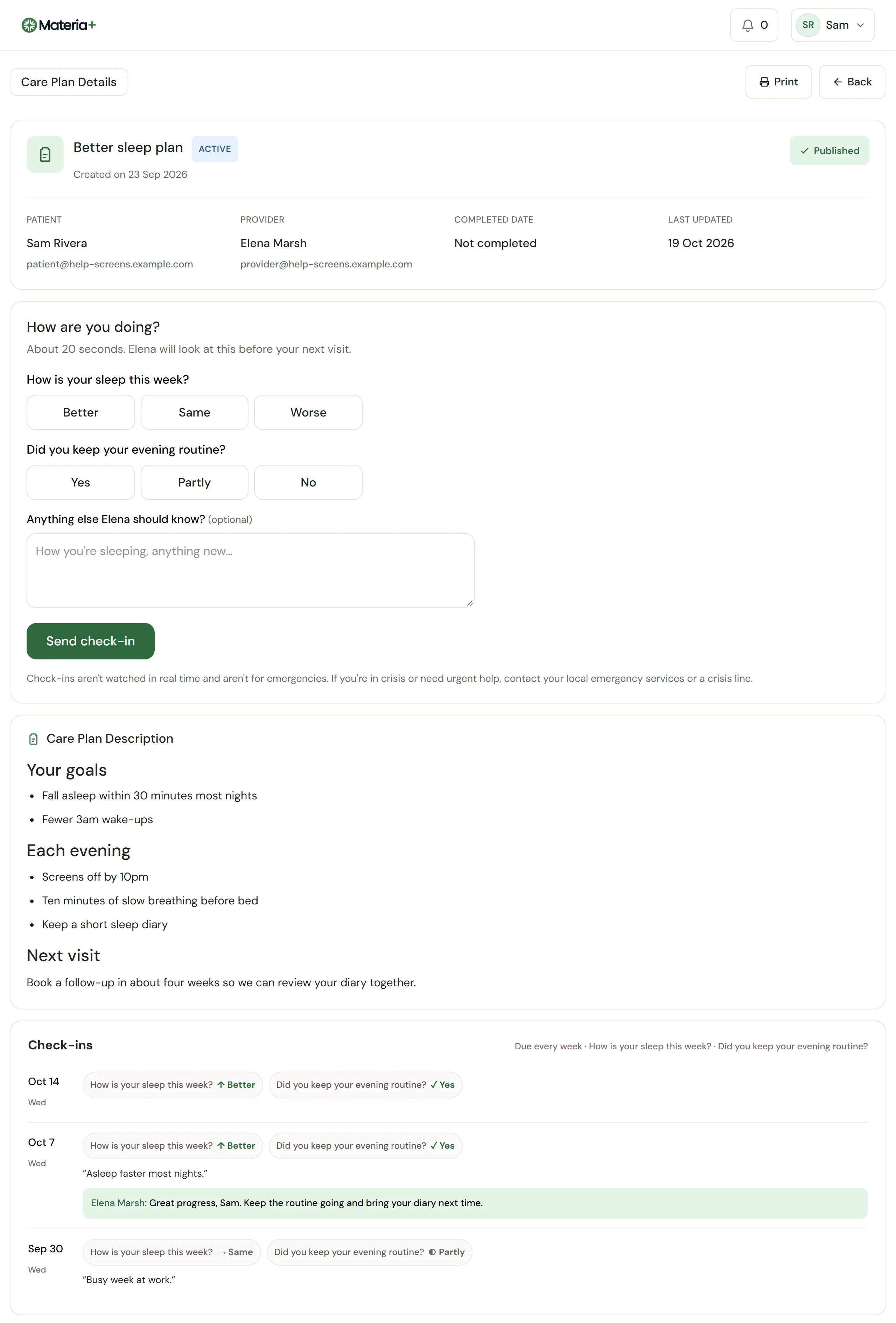
You can send one check-in a day.
Check-ins aren't monitored
Check-ins are for your next visit. Your provider doesn't watch them as they come in, and they're not for emergencies.
If you're feeling worse, book a visit with your provider. In an emergency, or if you're in crisis, call your local emergency number or a crisis line.
Some plans, such as psychotherapy plans, ask only for your answers and don't have a note box.